
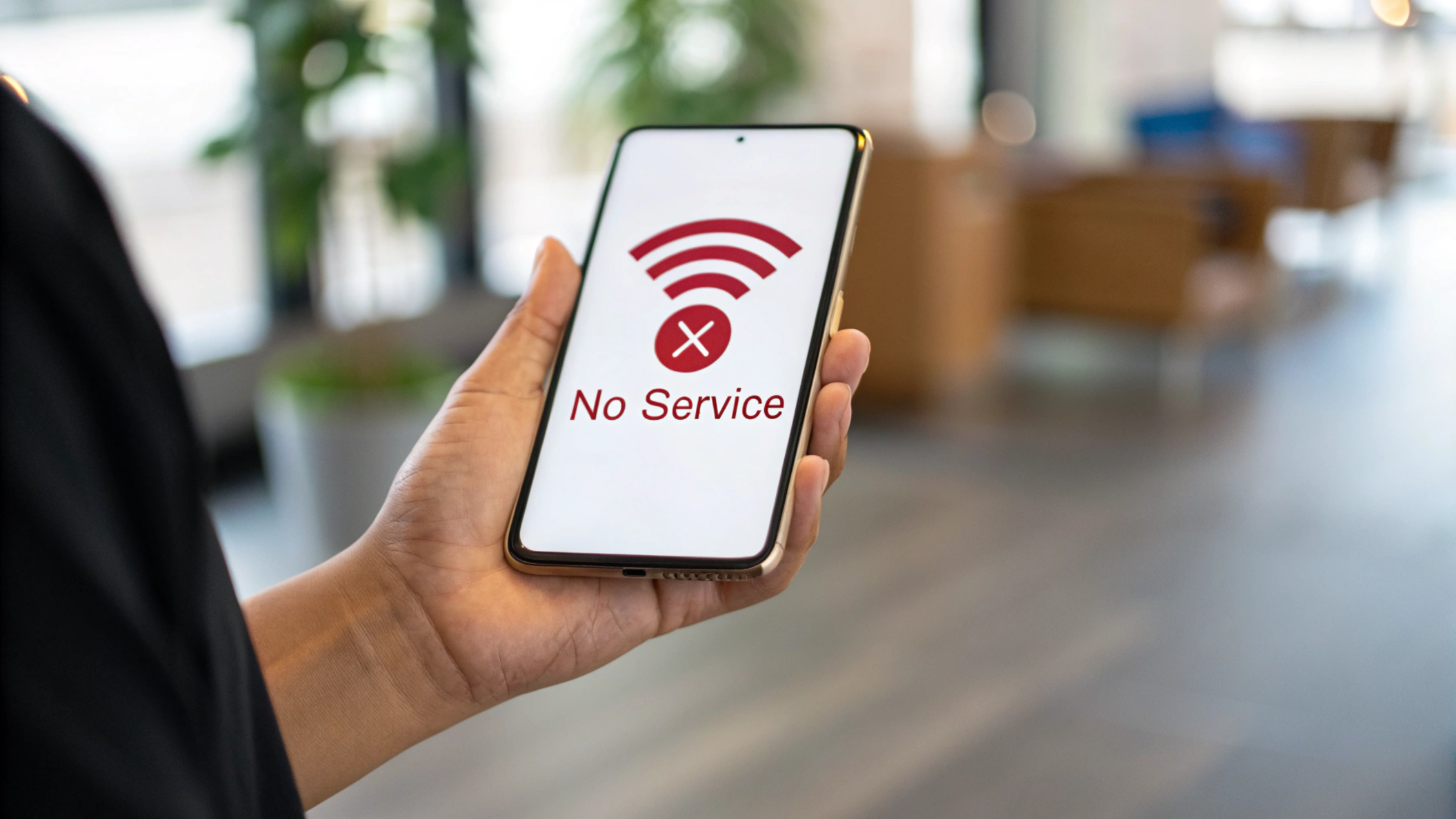
Seeing a red phone signal on your device can be stressful. One moment your phone works perfectly, and the next it feels completely disconnected. Calls stop working, text messages fail to send, and mobile internet becomes slow or stops entirely.
Many smartphone users face this issue, but the good news is that it’s usually temporary and easy to fix. Understanding the red phone signal meaning can help you identify the problem quickly and restore your connection.
In this guide, you’ll learn what a red signal on a phone means, why it happens, and the most effective ways to fix it.
What Does a Red Phone Signal Mean?
A red phone signal icon usually indicates that your phone cannot connect properly to the mobile network. Most smartphones use color-coded signal bars to show connection strength, and red typically means the signal is extremely weak or completely unavailable.
When this happens, your phone may display:
- Red signal bars on the screen
- “No Service” warning
- Red mobile network icon
- Emergency calls only
In simple terms, your phone is working normally, but it cannot establish a reliable connection with nearby cellular towers.
This problem can affect both Android and iPhone devices, and the cause is often related to network coverage, location, or temporary technical issues.
Why Is My Phone Signal Red? Common Causes
Several factors can trigger a red signal on your phone. Some issues are related to your device, while others come from network conditions outside your control.
1. Weak Network Coverage
One of the most common causes is poor network coverage. If you are far from a cellular tower, your phone may struggle to receive a signal.
This often happens in:
- Rural or remote areas
- Underground locations
- Basements or elevators
- Mountains or highways
When the distance between your phone and the network tower becomes too great, your device may show a red network signal.
2. Indoor Signal Blockage
Buildings can also interfere with mobile signals. Thick walls, metal structures, and reinforced concrete often block radio signals used by cellular networks.
For example, you may notice that your signal works outside but disappears once you enter a building. This leads to no signal indoors, even if coverage exists in the surrounding area.
3. Temporary Network Outage
Sometimes the issue is not your phone at all. Mobile carriers occasionally experience network outages or maintenance interruptions.
During these periods, users may notice:
- Signal bars turning red
- Calls failing to connect
- Mobile data not working
In most cases, service is restored within a few hours once the carrier resolves the issue.
4. SIM Card Problems
Your SIM card is responsible for connecting your phone to the carrier’s network. If it becomes damaged, dirty, or incorrectly inserted, it can cause signal problems.
Common SIM-related issues include:
- Loose SIM card
- Damaged SIM chip
- Outdated SIM technology
- SIM card not recognized
A SIM card signal issue can often trigger the red phone signal icon.
5. Software or Network Settings Errors
Another possible cause is incorrect phone settings. System updates or manual configuration changes may disrupt network settings.
For example:
- Wrong network mode selected
- Mobile data disabled
- Corrupted network configuration
When these settings malfunction, your phone may fail to connect properly to the mobile network.
Red Phone Signal on Android vs iPhone
Both Android and iPhone devices show warnings when connectivity problems occur, although the icons may look slightly different.
Android Devices
On many Android phones, the red signal icon may appear with:
- An “X” over the signal bars
- A “No Service” notification
- Emergency calls only
iPhone Devices
On iPhones, a red signal warning often appears as:
- Zero signal bars
- “No Service” displayed at the top
- Emergency calls only
Despite the visual differences, the meaning remains the same: the device cannot maintain a stable cellular connection.
How to Fix a Red Phone Signal
The good news is that most red phone signal problems can be resolved with simple troubleshooting steps.
Restart Your Phone
Restarting your device refreshes the connection between your phone and nearby network towers.
This simple step often fixes temporary signal glitches within seconds.
Turn Airplane Mode On and Off
Another effective method is toggling Airplane Mode.
- Turn Airplane Mode on
- Wait about 30 seconds
- Turn it off again
This forces the phone to reconnect to the network and can restore signal quickly.
Check Your Network Settings
Sometimes incorrect settings cause signal issues.
Make sure:
- Mobile data is enabled
- Network mode is set to automatic (4G/5G/LTE)
- Carrier settings are updated
These adjustments can often solve connection problems instantly.
Remove and Reinsert the SIM Card
If the problem is related to the SIM card, removing and reinserting it may help.
Steps to follow:
- Turn off your phone
- Remove the SIM tray carefully
- Clean the SIM gently with a soft cloth
- Insert it back properly
This process can fix SIM card detection issues.
Move to a Better Location
Location plays a major role in signal strength. If you’re indoors, try moving to:
- A window
- An upper floor
- Outside the building
Often, simply changing location can improve weak phone signal immediately.
Why Red Signal Can Appear After a Phone Update
Some users notice a red signal on phone after a software update. This can happen because updates sometimes reset network settings or introduce temporary bugs.
Common solutions include:
- Resetting network settings
- Installing the latest software patch
- Restarting the device
Manufacturers typically release quick fixes if a widespread update issue occurs.
Is a Red Phone Signal Dangerous?
No, a red phone signal is not dangerous.
It does not damage your phone, delete your data, or affect your device hardware. It simply indicates that your phone cannot connect to the cellular network at that moment.
Once the connection returns, your phone will automatically restore normal service.
How Mobile Phone Signals Work
Mobile phones communicate with nearby cell towers using radio frequencies. These towers send and receive signals that allow phones to make calls, send messages, and access the internet.
However, signal strength can be affected by:
- Distance from towers
- Physical obstacles
- Network congestion
- Environmental interference
When the connection becomes too weak, your device displays alerts like the red signal bars.
How to Prevent Future Signal Problems
While you cannot control network coverage everywhere, certain steps can reduce the chances of signal problems.
Helpful tips include:
- Keep your phone software updated
- Use Wi-Fi calling when available
- Avoid known dead-zone areas
- Choose carriers with strong coverage in your region
Taking these steps can improve overall connection stability.
Final Thoughts
A red phone signal may feel alarming, but in most cases it is a temporary issue. It simply means your phone cannot connect properly to the cellular network at that moment.
By understanding the causes and following simple troubleshooting steps, you can usually restore your signal quickly.
If the issue continues for a long time, contacting your mobile carrier may help identify any network problems in your area.
Frequently Asked Questions
Why is my phone signal red but the internet still works?
This usually happens when your phone is connected to Wi-Fi. Even though the cellular signal is weak or unavailable, the internet still works through the wireless network.
What does a red signal mean during a call?
If your signal turns red during a call, it indicates poor network strength. The call may drop or experience poor audio quality.
Can a red phone signal fix itself?
Yes. If the problem is caused by temporary network congestion or an outage, the signal often returns automatically once the issue is resolved.
Does a red signal mean my SIM card is blocked?
Not usually. A blocked SIM typically shows specific notifications from the carrier. A red signal normally indicates weak coverage or connection issues.
How long do network outages last?
Most carrier outages are resolved within a few hours, although the exact time depends on the severity of the issue and the service provider.
Visit Bogpostd.com